
Six Gallery Integration Mistakes and How to Avoid Them
Most live gallery faults trace back to decisions made before the first cable is pulled. Here are the integration mistakes we meet most often, and the checks that prevent them.
Buying kit before agreeing the signal path
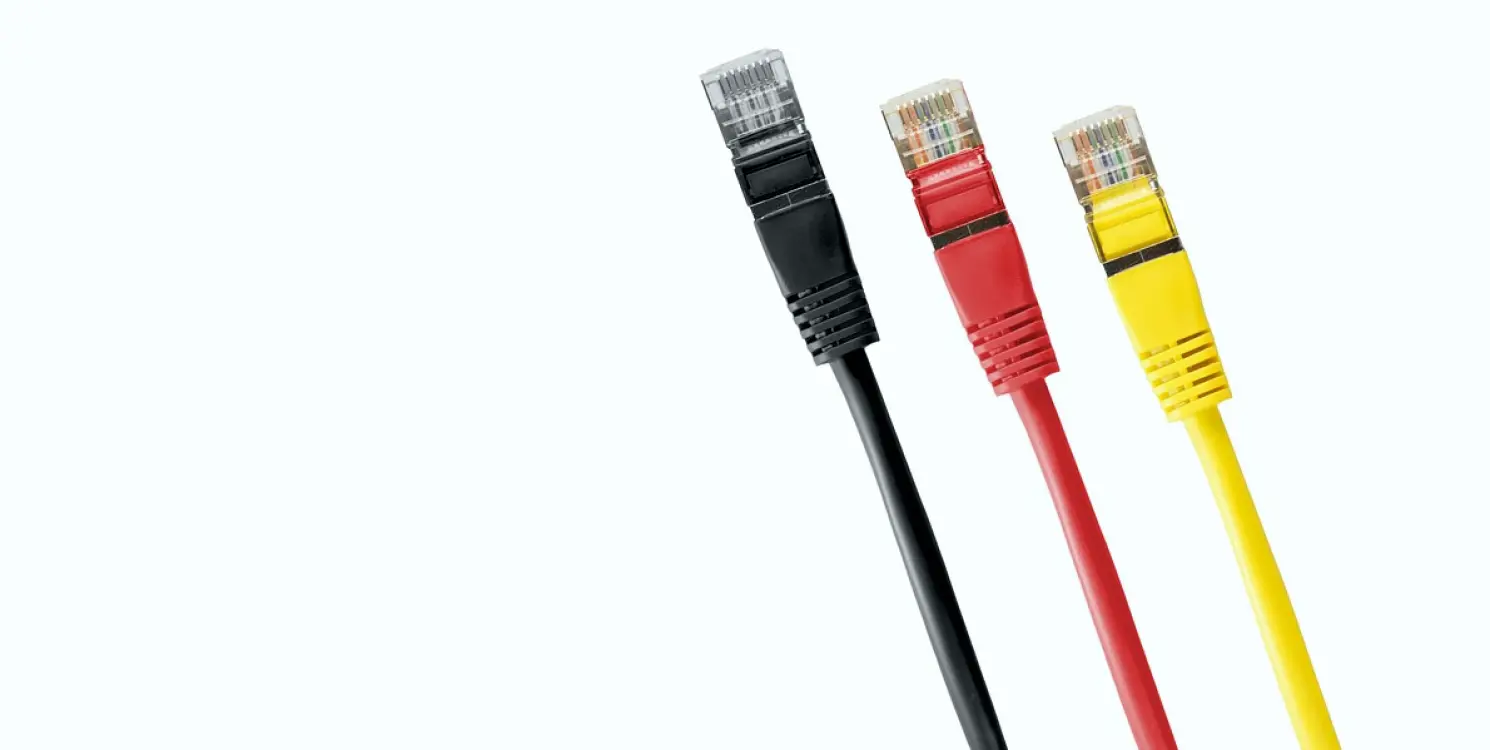
The most common error is ordering equipment one item at a time. A vision mixer is chosen because it has a good reputation, monitors because they fit the budget, and intercom because the old panels are failing. Each decision is sensible alone, yet nobody has drawn the whole signal path, so formats, frame rates and connector types turn out not to match once everything arrives on site.
Before any purchase, we draw the path from camera to transmission on one sheet. Every source, every destination, every conversion and every point where a signal is split is marked. It is a dull document, but it shows quickly where a converter is missing or where a router has too few outputs for the programme you actually plan to make.
Daniel Pryce writes this as someone who spends the live hours in front of the gallery, not behind the rack: the sheet is as useful to the director as to the engineer.
- Draw the full path from camera to transmission first
- List every format and frame rate in use
- Mark each conversion and split point
Treating intercom as an afterthought
Intercom tends to be specified last and squeezed into whatever budget remains. On air, though, it is the only way the director speaks to camera operators, floor staff and the audio desk. A system that is too small, or that cannot separate a camera channel from a production channel, produces talk-over and missed cues during exactly the moments that need calm.
We ask early who needs to hear whom. A news bulletin with two cameras and a floor manager has simple needs. A panel show with guests, a producer in a separate room and a remote contributor needs several channels and sensible rules about who can interrupt whom.
Put these answers on paper before choosing panels, belt packs or headsets. Changing a channel plan after the gallery is wired is slower and more expensive than getting it right in the design.
- Decide who needs to hear whom before choosing hardware
- Keep a separate channel for the director and camera crew
- Plan for remote contributors from the start
Skipping monitor and multiviewer planning
A wall of monitors looks impressive, but a poorly planned one makes the director's job harder. Screens placed too high, too many small windows on one display, or inconsistent colour between the preview and programme monitors all cost seconds on a live cut. Operators then begin to distrust what they see and rely on memory instead of the picture.
We start with sightlines from the director's and producer's seats and work outwards. Programme and preview sit together at eye level. Camera sources are labelled consistently, and the multiviewer layout is saved and documented so that it can be restored after any restart.
Colour matters too. Monitors in a gallery should be set to the same reference, otherwise the director judges a shot on one screen and the viewer sees something different. A short alignment session during commissioning prevents this.
- Check sightlines from every working seat
- Group programme and preview at eye level
- Align monitors to one common reference
Leaving the routing logic undocumented
A router can be configured in a hundred ways, and many installations rely on the one person who set it up. When that person is away, nobody knows why a source is mapped to a particular output or which presets the morning bulletin depends on. A small change then breaks something unrelated, and the fault is found on air.
We label every input and output in plain language, store the configuration with a dated backup and write a one-page summary of the presets the programme uses. The summary lives next to the rack, not only on a laptop.
This is not paperwork for its own sake. A producer or a stand-in engineer should be able to find a fault or restore a previous state without ringing the person who built the system.
- Label every input and output clearly
- Keep a dated configuration backup
- Leave a one-page summary beside the rack
Testing each device but never the whole chain
It is easy to confirm that every box powers up and passes a signal. It is much harder to run the complete gallery under the pressure of a real programme. Faults often appear only when several things happen together: a graphics change, a camera switch and an intercom call at the same moment.
We schedule a full rehearsal on the finished system, using the rundown of an actual programme. We cut between all sources, trigger every graphic, switch to the backup path and pull a cable to see what the team does. The aim is to find weak points while the cost of finding them is only a lost hour.
If the rehearsal turns up problems, that is the system doing its job. It is far better for the team to meet a fault in a quiet afternoon than during the evening bulletin.
- Rehearse with a real rundown, not test patterns
- Include a deliberate failure and a backup switch
- Record what you find and fix it before launch
Handing over without training the crew
A well-built gallery still fails if the people using it do not know it. Handover is often a short walk round the room and a folder of manuals nobody opens. The first live show then becomes the training session, and the director spends the broadcast learning where things are.
We hand over in stages. The engineers get the system documentation and fault procedures. Operators get hands-on time at their own positions. The director gets a session on the layout, the presets and the intercom rules, with a chance to ask the questions that only occur once the equipment is in front of them.
A short follow-up visit a few weeks after launch is worth planning in. By then the team has real questions, and small adjustments to layouts and labels make daily use smoother.
- Train engineers, operators and directors separately
- Give hands-on time at each working position
- Plan a short follow-up after the first weeks
None of these mistakes comes from carelessness. They come from treating a gallery as a pile of equipment instead of one working system. Draw the signal path early, plan intercom and monitoring with the people who will use them, write down how the routing behaves, rehearse the whole chain and train the crew before the first show. Done in that order, integration becomes quiet and predictable, which is how live television should feel from the gallery.
Keep reading
Why does my studio sound hollow on air, and what can be done about it
The question we hear most about acoustics: why speech sounds boxy on air even with good microphones. Helen Marsden explains what is usually behind it and how it is put right.
Before You Commit: A Checklist for Live Production Workflow Support
A practical list of questions to work through before choosing workflow support for a live programme, covering rundowns, rehearsal, roles and what happens when the broadcast overruns.
Daniel Pryce
Lead Camera DirectorDaniel plans shots and directs camera crews for interviews and live panel shows.
Get in touch
Email: hello@vogueza.org